
Popular games for platform Odyssey 2 / Videopac G7000
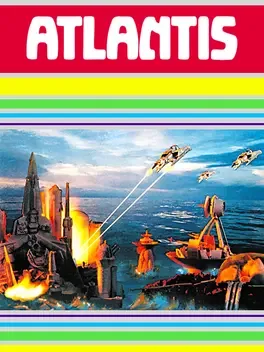
The lost city of Atlantis is under attack! Wave after wave of Gorgon vessels are approaching, each armed with weapons capable of destroying a part of the city. You are in charge of the command posts at the edges of the city and need to defend it from the invaders. The various gorgon craft will keep flying by on the screen in varying numbers and in different flight patterns. At first they fly high in the sky but then progressively lower. If an enemy makes it low enough before you destroy it, it will use it's weapons and destroy one of the buildings in Atlantis. As you progress in the game, the enemy craft will keep increasing in speed. The game ends when all remaining buildings in the city have been destroyed.
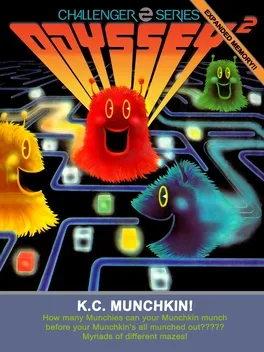
A copy of Pac-Man, but with various improvements. This game is primarily known for the Atari lawsuit against it which set an important precedent for copyright and lawsuits in videogames.
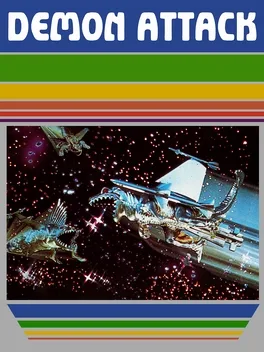
Demon Attack is an arcade action game with gameplay similar to Space Invaders. You control a laser cannon at the bottom of the screen, and need to destroy wave after wave of brightly colored demons. The demons bounce around the screen in bizarre patterns, and try to destroy your cannon with bombs or lasers. When you shoot a demon, it will be replaced with another or will split into two smaller demons depending on which wave you are playing. When the required number of demons for the current round is finally destroyed, you can move on to the next, more difficult round.
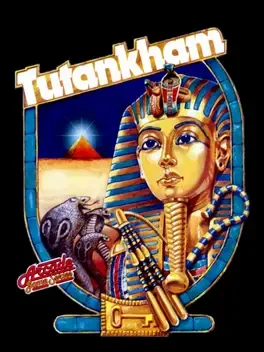
Tutankham is a combination of the maze, action and shoot 'em up genres. Taking on the role of an explorer grave robbing Tutankhamun's tomb, the player is chased by creatures such as asps, vultures, parrots, bats, dragons, and even curses, all that kill the player on contact. The explorer can fight back by firing lasers at the creatures, but he can only cover the left and right directions. The player is also endowed with a single screen-clearing "flash bomb" per level or life. Finally, each level has warp zones that teleport the player around the level, which enemies cannot use. To progress, the player collects keys open locked doors throughout the levels, searching for the large exit door. Optional treasures can be picked-up for bonus points. Each level has a timer; when it reaches zero the explorer can no longer fire lasers, and once a level is cleared the remaining time is converted to bonus points.
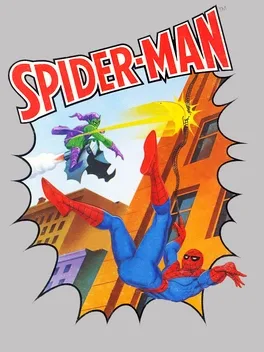
Spider-Man released in 1982 by Parker Brothers was the first video game to feature SpiderMan and also the first video game based on a Marvel Comics character.

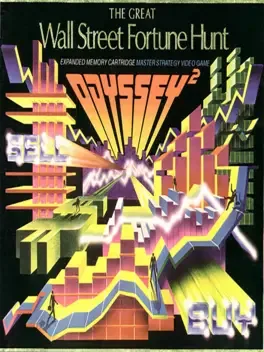
THE GREAT WALL STREET FORTUNE HUNT is an authentic computerized model of the real investment world. The opportunities for investment in the game represent the thousands of alternatives available on the various exchanges. You'll find conservative blue chips like IBM (International Business Machines Corporation) and high risk high flyers like WOW (Wildcat Oil Western). You'll find the fast food industry represented by McDonald's Corporation and high technology manufacturers represented by Texas Instruments. Each of the companies available for investment not only represents itself but other similar companies as well. Therefore the Standard Oil Company (Indiana) also represents Shell, Mobil, Arco and the other large petroleum companies. Each of the investments has a different sensitivity to the news flashes which come across the TV screen. For example - some investments will go up at a time of world crisis and others will go down. The inherent sensitivity of each investment to the various categories of news is graphically displayed on the gameboard. Your ultimate objective is to anticipate investment fluctuations swiftly enough to take full advantage of the many buying and selling opportunities which will occur in a different way every time you play. The rules of The Great Wall Street Fortune Hunt are designed to replicate real life as closely as possible. You can play it at four levels. It is highly recommended that you feel thoroughly comfortable at one level before incorporating the next level as part of the game. Have fun! Make money!!!
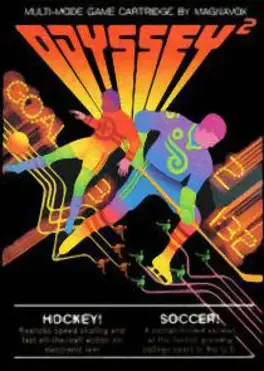
Two titles are available in this cart: Hockey!: five field players and one goalkeeper are displayed at each side of the field. The player closest to the puck will be displayed holding the hockey stick and will be controlled by using the joystick. The goalkeeper will follow his movements. Making body contact will immobilize the players, and they can be separated by using the directional stick. To shoot the puck, the action button must be pressed. The game lasts three periods of five minutes each. Soccer!: five field players and one goalkeeper are displayed at each side of the field. The player closest to the ball will be displayed flashing and will be controlled by using the joystick. The goalkeeper will follow his movements. Making body contact will immobilize the players, and they can be separated by using the directional stick. If too many players get in touch, the game will be stopped. The propelled when a player hits it with head or legs. Pressing the action button when touching the ball will propel it farther. The game lasts two periods of five minutes each.
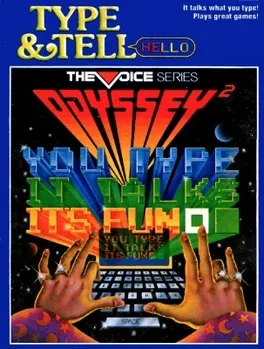
Type & Tell! lets the player type in a word or a message and then have the words spoken back to them by utilizing the Odyssey 2's voice module. The instruction manual suggests the following games that can be played: Garble! - Players take turns typing in one letter at a time, The idea is to form sentences by just using the sounds the individual letters make. Sound Waves! - Players type in random letters trying to create sounds that sound like something that could be heard in real life. Super Star! - Players can use the sounds or dialogue the game makes in their own home movie or radio show. War of Words! - This game requires at least two players. Player take turns typing in words until a sentence is created by one of the players adding a period. Players then take turns inserting words into the sentence, while trying to keep it grammatically correct. The first player to extend the sentence exactly to the end of the available typing space is the winner. If a player extends the sentence beyond the end of that available space, they lose.
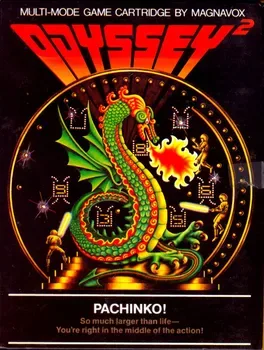
Pachinko! is based on the Japanese gaming device of the same name. The players are shown right below a giant Pachinko game. Five cups are placed across the screen, with two rotors, one at each side, and the Magic Mountain in the middle. The object of the game is to bounce the balls inside the cups to earn points. Each player has an energizer, used to beat the ball. If the action button is pressed, the energizer will be risen and if the ball touches it, it will continue its horizontal direction. If the ball touches an energizer not completely raised, the ball direction will be reversed. If the ball hits a player, it will loose energy.
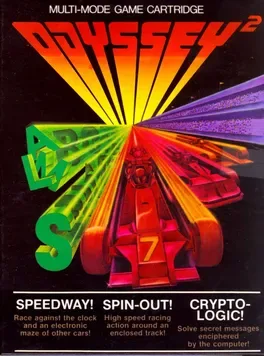
Three games are available in this compilation: - Speedway! (selected by pressing "1") is a vertical scrolling racing game against the clock. The player controls the car with the joystick, pushing up to accelerate it (the longer, the faster), left and right to control direction and down to break. - Spin-Out! (selected by pressing "2" for a three laps event or "3" for a 15 laps event) is a top-down circuit racing game. Two players race against each other for the amount of tracks selected. Four skill levels are available: clear track/slow speed, clear track/fast speed, barrier track/slow speed and barrier track/fast speed. - Crypto-Logic! (selected by pressing "4") is a puzzle game. The object is to decipher a scrambled word entered by another player.
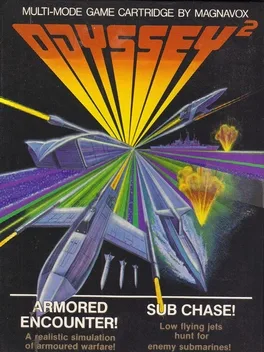
Two titles are available in this cart: Armored Encounter! is a clone of Atari's Combat. Two players control tanks and try to shoot each other the most in a time limit of three minutes. Sub Chase! features a Hawk hunter-killer jet against a Shark missile-launching submarine. One player controls the jet, which scrolls left, and the other controls the submarine, which scrolls right.
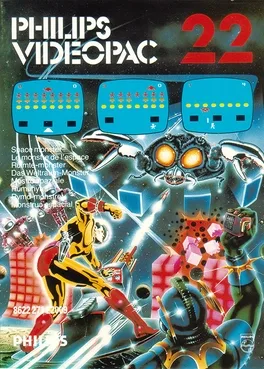
Space invaders type game for the Odyssey 2. When your ship was hit you continued as as a guy and could convert one of the shields into another ship.
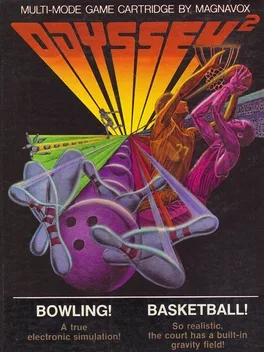
Two titles are available in this cart: Bowling!: one to four players take turns in this game. The alley is shown from a top down view and the ball moves back and forth at the foul line. The players have to press the action button to release the ball and can add an effect to it by pressing left or right on the right hand controller. Each player gets two balls per frame, except in the case of a strike. A strike scores 30 points, a spare 15 points and an open play scores one point for each pin hit. There are two game modes, League Night (selected by pressing "1"), with a slower swinging ball, and Tournament Play (selected by pressing "2"), with a faster swinging ball. Basketball! (selected by pressing "3") features two players in a five minutes game. Each drop scores two points for the player. The player can move with the ball left or right, but must shoot within 8 seconds, or else the ball will automatically transfer to the other player. If the ball is shot while the other player is touching the ball, he will steal it. The player with more points when the clock reaches zero wins.
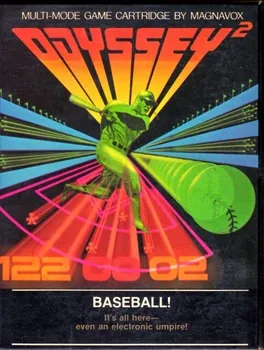
Baseball is an early 2-player arcade baseball simulation. Played from a single fixed screen, one player controls the home team, while the other controls the visiting team.
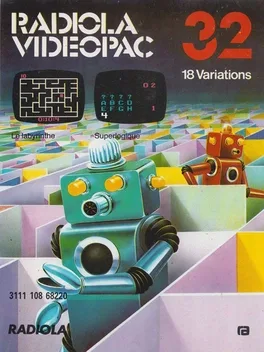
Two titles are available in this cart: - A Labyrinth Game is exactly what the title defines. The player has to move a pawn from the left side of a labyrinth to the exit on the right side. - Supermind is a code breaking game. Four question marks will be displayed, along with the number of symbols left to be entered. The player enters four symbols of choice and if they're correct but misplaced, a red number will appear in the right of the screen (with the number of correct symbols guessed). If the symbol is correct and placed in the right order, it will be displayed in white. The computer keeps track of the number of tries taken and the game ends when all symbols were discovered and placed in the right order.
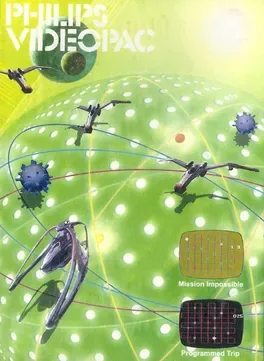
Two titles are available in this cart: - Mission Impossible is an action game. The player must protect a cargo ship (white craft) which travels on a lay lines from bounty hunters (red crafts), which will destroy the cargo ship if they cross its way. As the cargo ship moves along the lay lines, the player must place NGR bots (green X symbols) at the lay line intersections to change traffic; the player has 7 NGR bots and can replace them. When any ships reaches an NGR bot, it will turn right if traveling vertically or turn toward the bottom of the screen when traveling horizontally. Red mushroom-shaped power ups, when picked up allow the cargo ship to destroy the bounty hunters; alternatively, bounty hunters can be simply directed to them and will be destroyed. White X marks will send the cargo ship back in the opposite way it was traveling; if hit by a bounty hunter, they will also send them back, but will be destroyed. Lilac squares are mines which will destroy any ship that passes over them. Finally, blue dots will give bounty hunters an extra life if taken by them. The player and the bounty hunters start with 15 lives each, the first to drop to zero loses. - Programmed Trip is a turn based game which shares many elements from the previous game. As the name implies, the player has to program the trip of the cargo field so it passes over pickup points (colored + symbols) in a specific order: first lilac, then red, then blue. To do so, NGR bots can be placed to redirect the ship, and some fields may also have White X marks already placed. After all desired NGR bots are placed, the player can release the cargo ship by placing the cursor over the upper left corner and pressing the action button. When the cargo ship is released the player has 30 points. Passing over pickup points in the correct order adds 20 points to the score, while passing over them in the wrong order or hitting any other item (NGR bots or white X marks, for instance) subtracts 10 points from the score. The game is over either when the score reaches 0 or when all pickup points were reached in the right order (in which case they'll turn white).
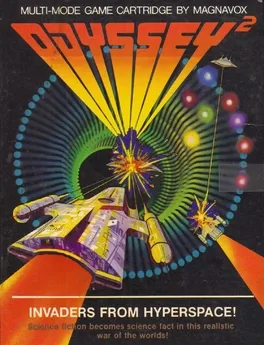
Press 1 on the alpha-numeric keyboard. You have just arrived at your post in the Battle Control Central at the heart of the United Planets Interstellar Galactic Empire.Your TV screen is monitoring activity in the twin solar systems of Terien and Lorien forty-three billion light years away. Two remote controlled robot battle cruisers also appear on your screen. The right hand control maneuvers the lighter colored space ship at the right hand side of the screen. The left hand control activates the darker colored space ship at the left of the screen. Push the joy stick forward to gain altitude. Pull it toward you to lose altitude. Push left to go left. Push right to go right. Press the action button to fire your lasers. These weapons are located in the front end of the battle cruisers and will fire in the direction the space craft are heading. One point is scored for every invading space craft disintegrated by your lasers. No points are scored for destroying another player's battle cruiser. The enemy space craft are programmed to attack the nearest Imperial battle cruiser. If your space ship is destroyed, you can launch another one from a planet of your own color. Push the joy stick in the direction you want your battle cruiser to travel and press the action button to launch. If there is more than one planet of your color, the next space craft available will signal its presence by a blinking light. If there are no planets of your color, you must wait for a planet's color to change. A planet changes color each time it is hit by laser fire. The invasion fleet is programmed to fire on the planets when they are not attacking the Imperial battle cruisers. If a space craft crashes into a planet of a different color, both are destroyed. An exploded planet will not return to the screen. The central planet of each solar system is invulnerable and cannot be destroyed. The battle cruisers can evade enemy attack by landing on planets of their own color. The enemy space craft will not waste ammunition against battle cruisers protected by the sophisticated energy shields available on their home planets. They will concentrate their fire only on airborne space craft. A landed space ship will signal its presence on a home planet by a blinking light. If no Imperial battle cruisers are on the screen, the two ships from the invasion fleet will turn on each other. They will fire their lasers at each planet and try to conquer it. A planet is conquered when it is changed to the invading space ship's color. The first player to down ten enemy space ships wins the game and receives an electronic salute for making the Empire once again safe for humanity. Single player version I: See how many planets you can keep in orbit after downing ten enemy space ships. Single player version II: Play against the clock. Try to shorten the time it takes to down ten enemy space craft. Spectator sport: Leave the hand controls unmanned and watch the invasion fleet fight it out for control of the twin solar systems! To play again: A new game will automatically start at the end of each ten point battle. Or - press RESET and then press 1 on the alpha-numeric keyboard.
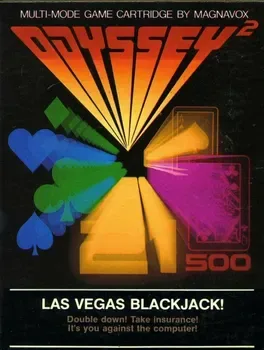
The computer is the dealer. The object of the game is to get a higher count of cards than the dealer, up to but not over 21. If a player draws cards with a point value over 21, the hand is a BUST, and he loses his bet to the dealer. If the dealer's goes BUST, he pays off each of the remaining players. A player may "draw" any number of cards until he reaches or exceeds a total of 21. The dealer must "draw" a card on 16 or less and "stick" with his hand on 17 or more. An ace counts as either 1 or 11 at the player's discretion. Kings, queens and jacks count as 10 each. All other cards count as their face value.
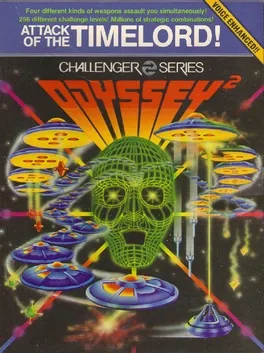
The player has just attracted the attention of Spyrus the Deathless, the Timelord of Chaos, and his only defense is his Time Machine's laser cannon. The Timelord will now send his fleet of Time Ships to destroy the player. In this space shooter the player controls the Time Machine horizontally with the directional stick and shoots its laser with the action button. The Timelord's Time Ships have four kinds of weapons to assault the player, and they will be introduced in the game's first four levels.
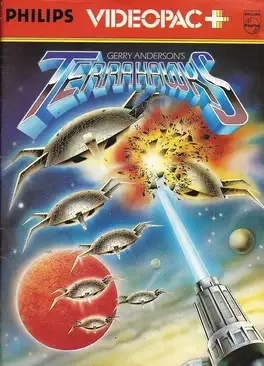
51 Terrahawks is shoot em up game for Philips Videopac G7000

Trans American Rally is a racing game released in 1983. It is avaliable only for the Odyssey Videopac +.
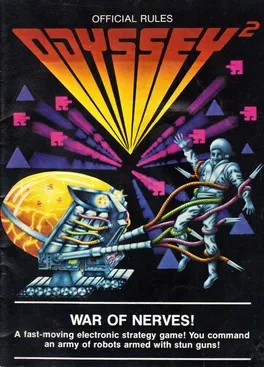
This is some sort of a capture the flag game. Instead of a flag, the object is to capture the enemy general. Two armies share the screen, the Army of Northwestonia in the upper left corner and the Army of Southeasternia in the lower right corner. The players control the general of the army with the joystick. The robots in each army are controlled by the computer, and their mission is to capture the enemy general.
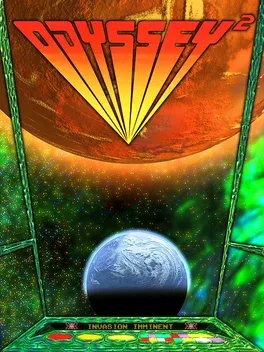
Martians are attacking the Earth and planning to destroy all life in it. A Martian space ship is orbiting the earth and a big laser cannon is being built on Earth and it is the player's mission to hold the Martian threat until the laser cannon is complete. To do so, the SIDO (Space Intruder Defense Organisation) infiltrated a fighting probe inside the Martian spaceship. In Martian Threat the player controls a fighting probe with the joystick. The lack of gravity will make the probe keep moving until reverse thrust is given. The player has to shoot Martians and their energy bombs, which will appear in four different spots. The probe can only shoot diagonally. At the start, the Martian bombs are green and have little energy on them. As the game proceeds the bombs turn blue, purple and finally red. The probe can take up to ten hits from green bombs, but only three hits from red bombs. Additionally, the bombs will move faster and when they hit the probe they'll push it away. The probe explodes if it hits the space ship's walls. The game has two possible endings. If the player succeeds in defending the Earth for 64 seconds (77 seconds in PAL systems), the laser defense will be finished and Earth will be saved. If the probe gets destroyed before that, the Martians will release their virus bomb and destroy all life on Earth.